Content Icons for EPiServer
This technical article was first published over 2 years ago and may discuss features and approaches that are no longer relevant for the current version of the platform.
One of the nice features that came along with the new CMS editing interface from EPiServer 7 is the ability to define icons for Pages and Blocks. These icons are used within the new editing interface and give editors a more visual way of deciding which is the right content element to use and create in their site.
Alloy examples
The Alloy Templates starter pack contains a selection of purpose designed images, and demonstrates how useful this can be.

The reality
The horrible reality that I ve found is that often designing these icons becomes a low priority task for designers and that the below is an example end result! Which lets be honest, doesn t really help editors too much.

A solution
As part of the project we re working on at the minute at Marie Curie, we ve designed a suite of 55 icons for our own implementation. However, being the nice kind-hearted souls that we are (it comes from working in a charity), we re sharing our work in the hope that fellow CMS implementors will them useful.
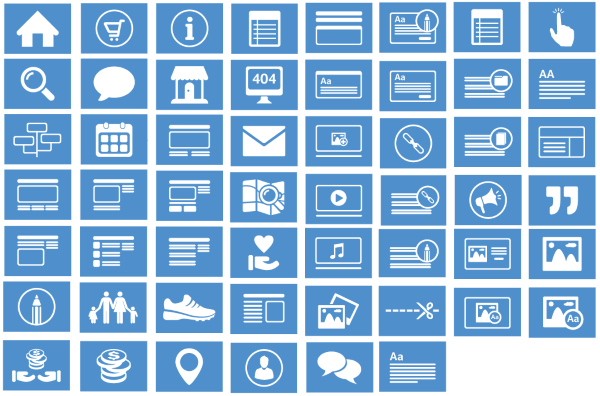
The icons can be downloaded here, or are available on a GitHub repository in case you want to contribute some additional icons to the set!
If you use them, why not return some kindness by donating some money to our cause.
- The icons are a derivative of an icon set by Michael Reimer from http://www.bestpsdfreebies.com. If you re in need of any other icons, you should check out his site.